Draft Reports
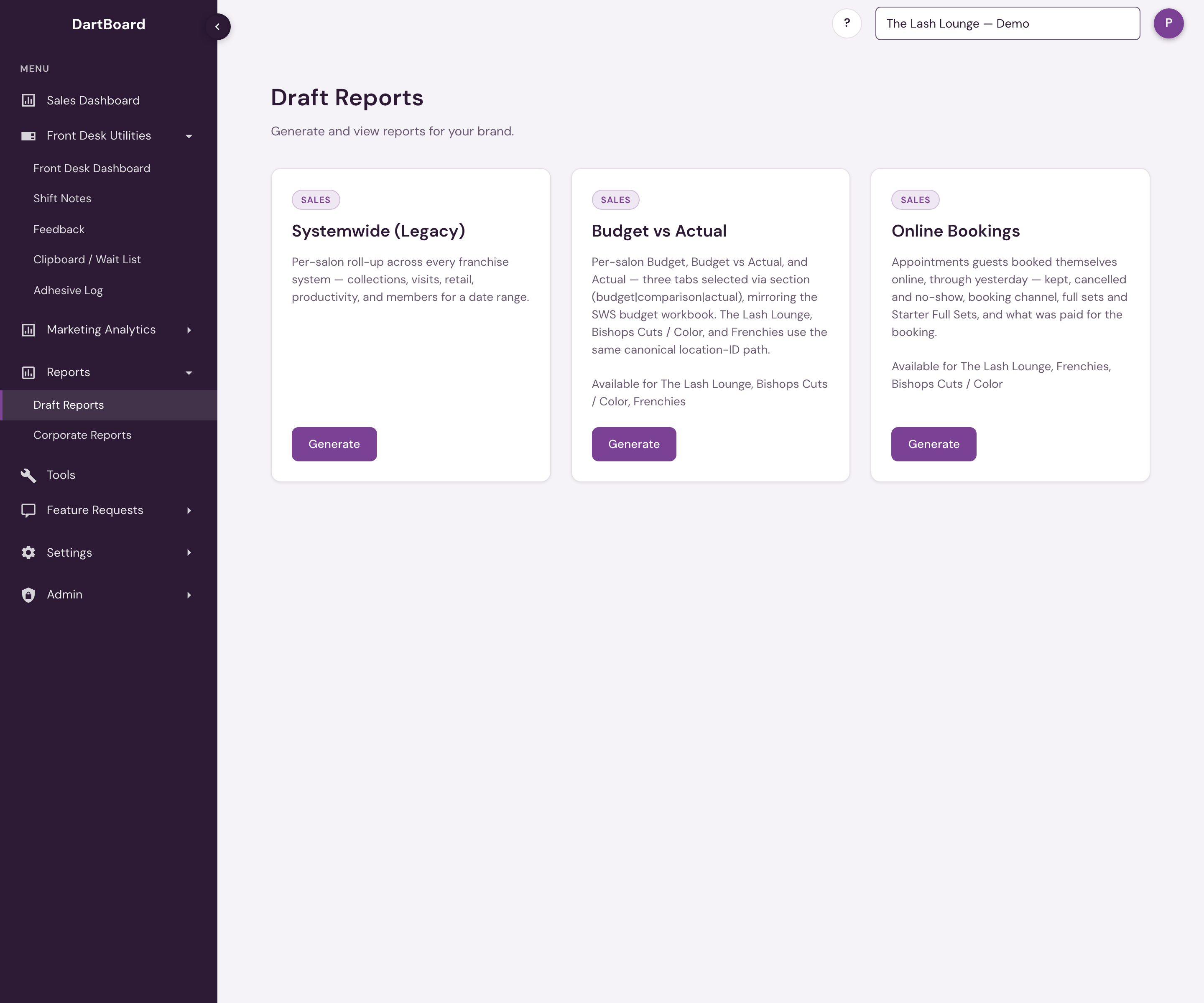
Draft Reports is one of the areas under Reports in the sidebar (alongside Salon Reports and Corporate Reports). It's the internal report library for authorized users — a card grid where each card's Generate button runs the report inline, without leaving the page. It's also where new reports start life: reports are built and QA'd here before being promoted to Salon Reports or Corporate Reports.
 12
What lives here
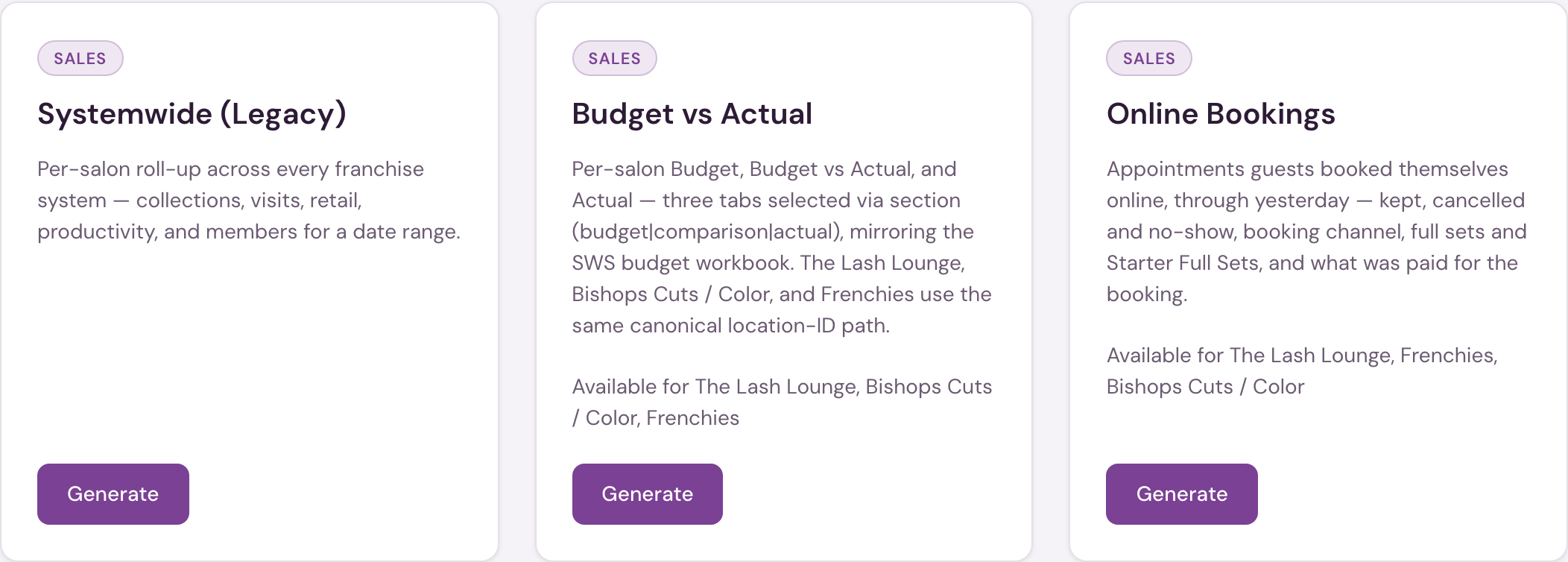
Which reports appear here depends on your account, but for authorized users the grid currently includes:
| Report | Category | What it answers |
|---|---|---|
| Systemwide (Legacy) | Revenue | The all-systems Systemwide mirror, retained here while its cross-system results are validated. |
| Budget vs Actual | Revenue | How each salon's sales compare with the budget set for it — a Budget view, an Actual view, and a year-to-date comparison ranked by who is furthest behind. Covers The Lash Lounge, Bishops Cuts / Color, and Frenchies. |
| Online Bookings | Sales | Appointments guests booked themselves through the salon's online booking, with kept, cancelled and no-show counts, full sets, and what was paid for the booking. Runs through yesterday. Platform admins only. |
| Gift Card Palooza | Revenue | The Holiday Gift Card Sales Challenge leaderboard for The Lash Lounge: one row per location with gift card sales paid in cash or by card, the dollars the contest rules exclude, Contest Sales, drawing entries and rank, with a CSV download. |
| Guest Retention by Location | Revenue | Salon-wide Retention % by calendar month for The Lash Lounge: one row per location with the existing and new guests seen and how many came back, a Systemwide block with Retention %, Lost and Lost %, and a Retention look-back, with a CSV download. |
A promoted report runs from its permanent area, not from here: Monthly Salon Metrics and Goals Report Card are in Salon Reports → Sales; Gift Card Report and Lifetime Value of Member are in Salon Reports → Legacy; Revenue by Employee and Call Log are in Salon Reports → Staff Performance; Member Report is in Salon Reports → Members; and Franchise Performance runs as the Corporate Dashboard.
A card can also show Coming Soon instead of an active Generate button, for a report that's been announced but isn't available yet. Clicking Generate opens the report inline, with a ← Back to Reports (or equivalent close) control to return to the grid.
Platform admins can access Draft Reports. Corporate, corporate-admin, and salon accounts cannot open this internal staging area.