Franchise CCR
Franchise CCR is the visit-level detail behind Cross-Center RedemptionCCR tracks members who redeem their membership credit at a location other than their home salon, so the two salons can reconcile the credit's value.Full definition → for a single location over a date range — every cross-center visit that location was involved in, in or out.
Franchise CCR covers The Lash Lounge locations only. It isn't available for Bishops or Frenchies.
 123
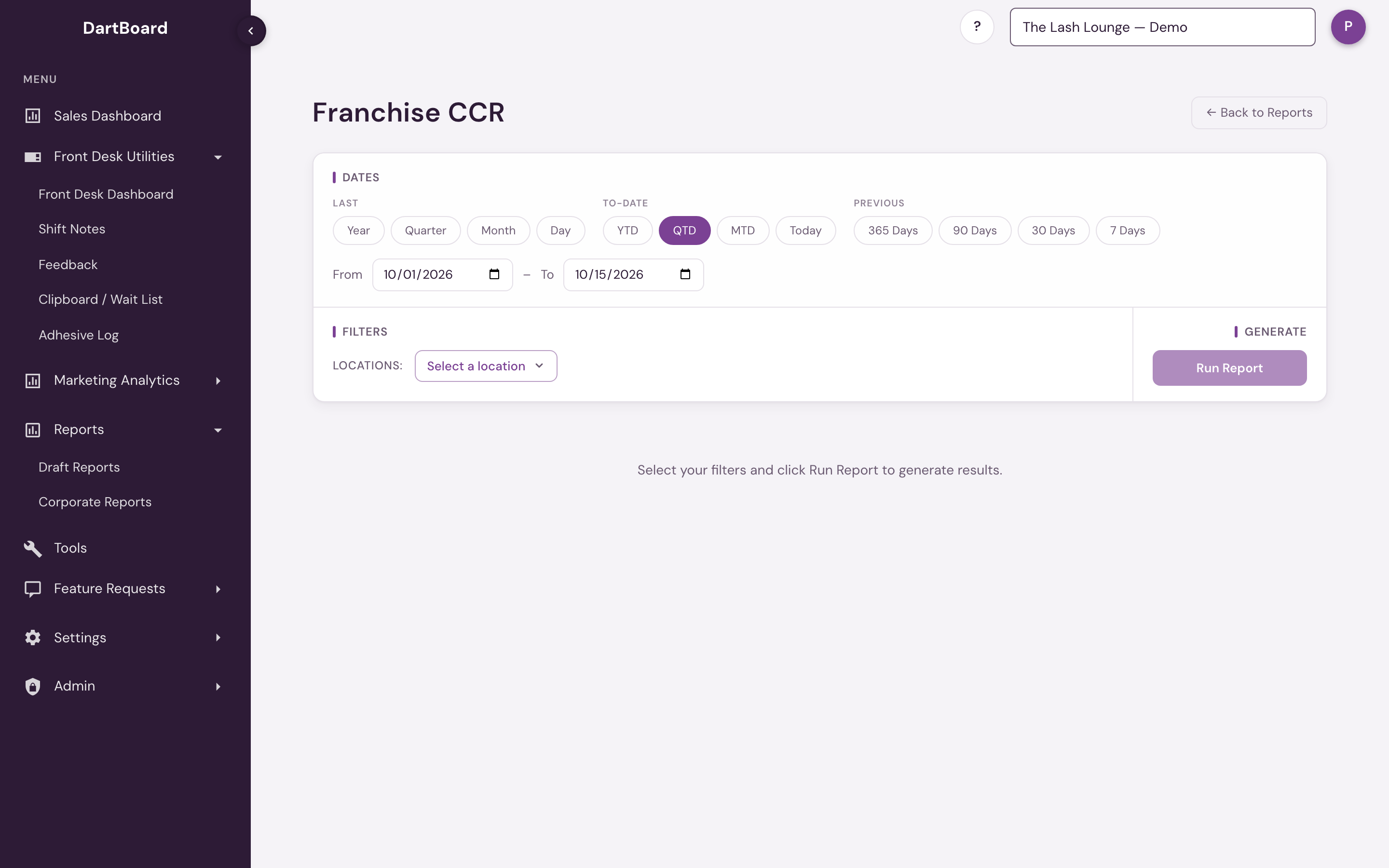
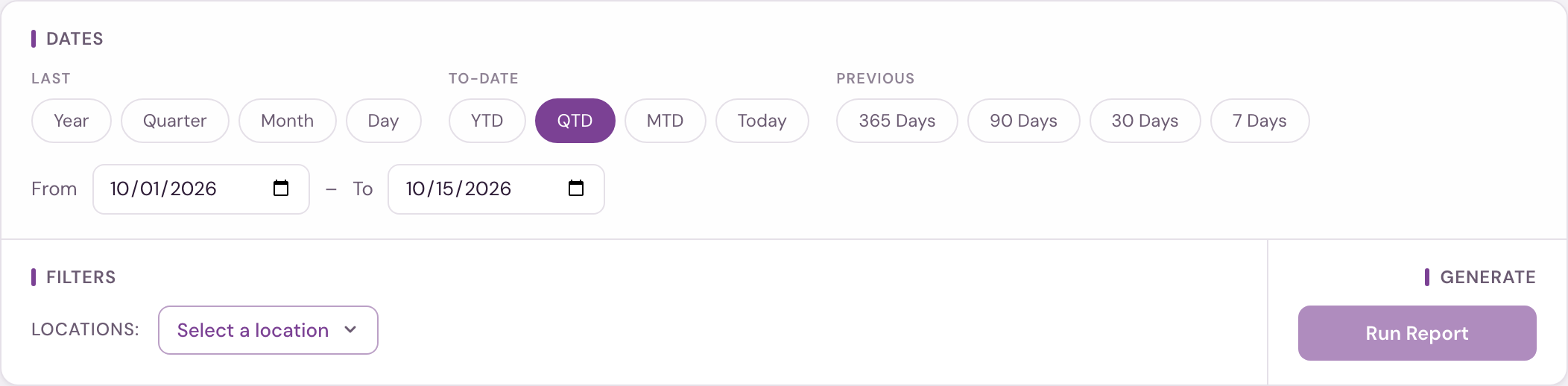
The screenshot shows the report before it's run — the Run Report button stays disabled until you pick a location.
Running the report
Pick a date range (defaults to month-to-date; visits on both the start and end dates are included) and a single Location — unlike most corporate reports, Franchise CCR requires exactly one location, so Run Report stays disabled with a "Select a location first" tooltip until you pick one. If your account has a single location, it is selected for you and you can run straight away. Cross-center activity is compiled overnight, so the current day's visits appear the next day.
If there are no cross-center visits for the location and range you picked, the report tells you so instead of showing an empty table.
Columns
| Column | What it shows |
|---|---|
| In/Out | Whether this was an In (a visiting member served at your location, burning their home salon's credit) or an Out (your own member served elsewhere, burning your location's credit). |
| Visit Location | Where the visit happened. |
| Visit Date | The date of the visit. |
| Visit Time | The time of the visit. |
| Client ID | The client's ID. |
| Client Name | The client's name. |
| Visit Type | The type of visit. |
| Staff Member | Who performed the service. |
| Payment Location | The location whose credit was burned to pay for the visit. |
| Credit Redeemed | The pre-tax value of the membership credit redeemed for the visit. For an In visit this is the credit value burned at the visiting member's home salon; if that home-salon value can't be found, it's shown blank and left out of the totals. |
| Commission % | The commission rate applied. |
| Commission $ | The commission amount. |
| Visit Ref ID | The visit's reference ID. |
The KPI cards above the table show, in dollars: Ins (total credit value this location redeemed on behalf of other salons), Outs (total credit value other salons redeemed on behalf of this location), Gross Difference (Ins minus Outs), and Net Diff (After Royalty & NAF) — the gross difference after the location's royalty and National Ad Fund percentages are deducted.
The CSV export is named franchise-ccr_<location POS ID>_<start>_to_<end>.csv.
Missing data
For In visits, the credit value or commission rate is sometimes missing — the credit value when it can't be matched back to the home salon, the commission rate when none is configured for that stylist and service. Those values are shown blank and left out of the totals.
Available on the Salon Reports page (Legacy section) to corporate and admin users, and to anyone with reporting access, whose access includes The Lash Lounge — this report only covers The Lash Lounge network, so users without Lash Lounge access will see an empty location picker. The picker lists only the locations you have access to: corporate and admin users see every salon, a location user sees their own.