Marketing Leads
Find Marketing Leads under Reports → Corporate Reports → Marketing. It defaults to month to date and opens in Summary view, with one row per salon. Days follow each salon's own clock, so a lead counts on the day it arrived at the salon, the same way Marketing Health counts it.
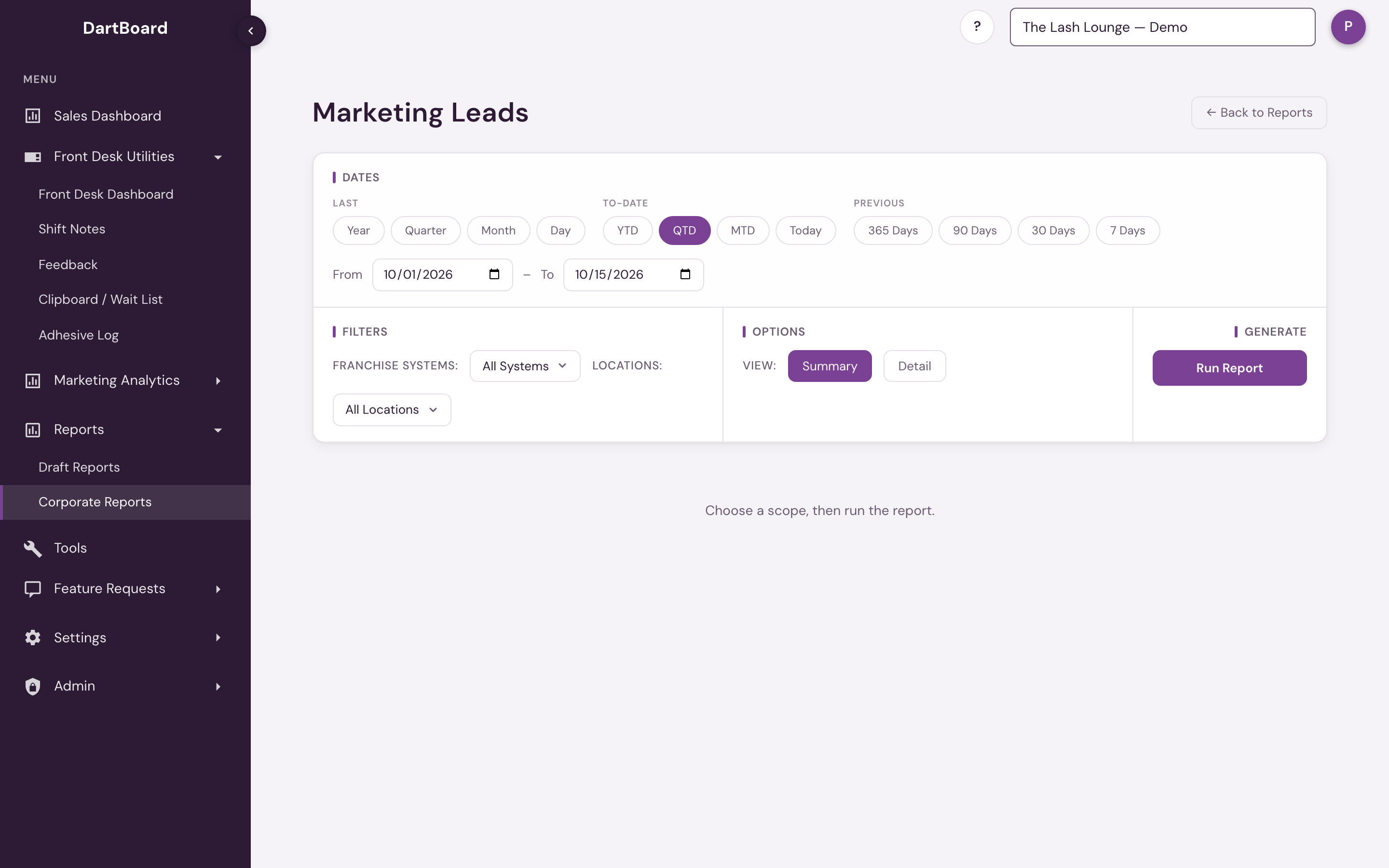
Use the Franchise Systems and Locations dropdowns in the Filters row to set the scope. Leave either on All to include everything you have access to. Picking systems narrows the Locations list to locations in those systems. Only active locations with Marketing turned on are offered and included.
Use the Summary / Detail toggle to choose the level you need:
- Summary (the default) rolls the selected period up by salon: total inquiries, Unique Contacts, New Leads, Win-back, Repeat, Existing Client, Not Yet Classified, Converted and Lifetime Collections. The five lead types are the same ones Lead Manager uses and add up to total inquiries. New Leads plus Win-back equals New Leads on Marketing Health for the same dates. Not Yet Classified is inquiries from the last day or two that haven't been sorted yet. Unique Contacts counts each phone number or email the first time it reaches the salon. It includes existing clients contacting the salon this way for the first time, so it is a count of people, not of leads; Existing Client shows how many of the period's inquiries came from current clients.
- Detail keeps the inquiry-level view. Inquiry Date is the salon's own clock time, so an evening inquiry on the 30th reads as the 30th in a report that ends on the 30th. Each row shows the salon and franchise system, the guest's contact details, which campaign or ad the inquiry came from, whether that lead has converted and what they've spent since, plus the inquiry date and time.
If the Detail result is large, the page shows a preview and tells you how many of the total you're viewing. Download CSV gives you the complete inquiry list, not just the preview. The download link is generated fresh each time you click it and expires shortly afterward, so click download again if you return later.
Available to corporate, corporate-admin, and platform-admin users. Salon accounts, including users with Marketing Dashboard access, cannot run this corporate report.